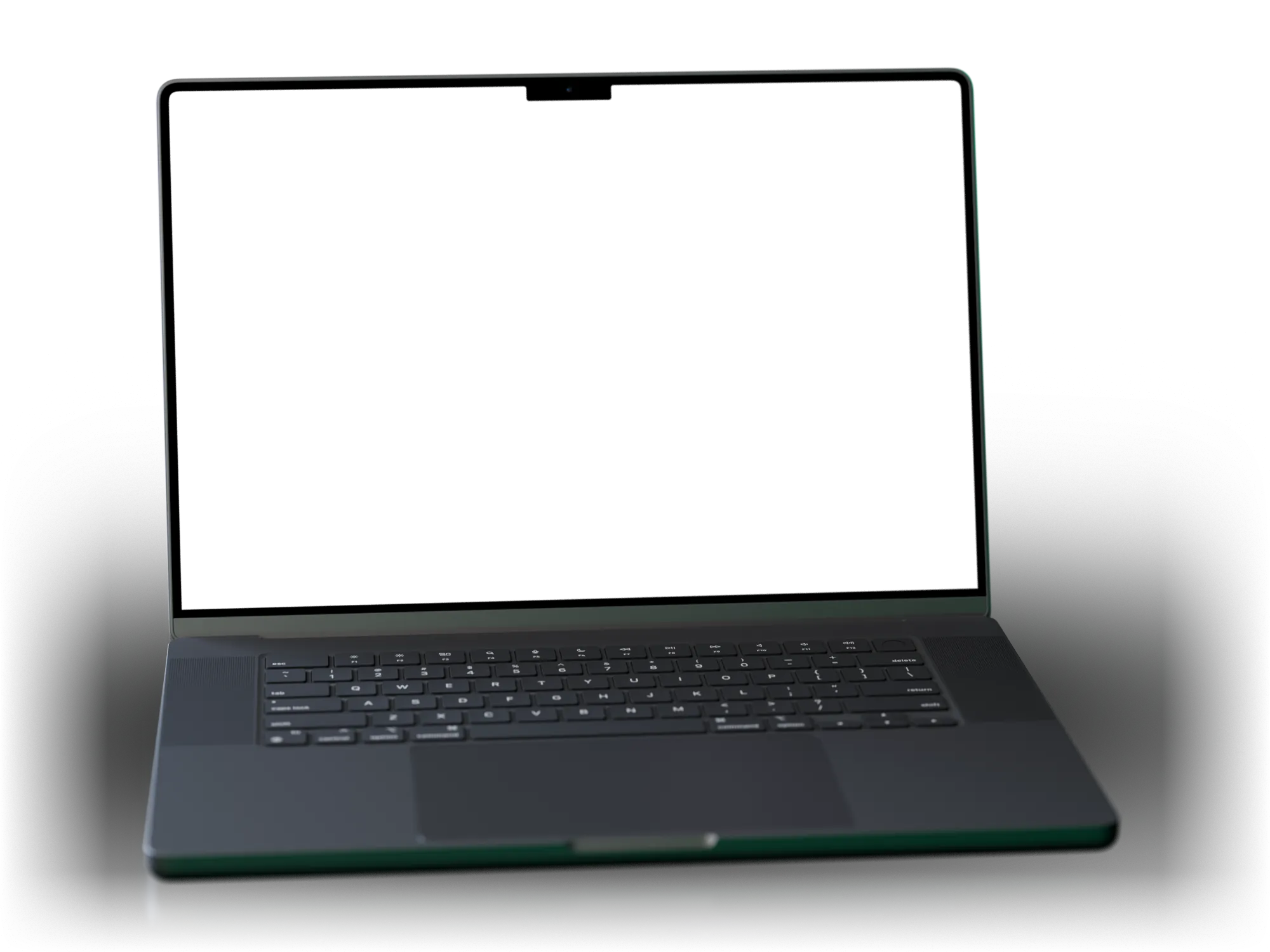
AI to ace your interview
The AI assistant invisible to screen sharing.
Real-time AI help during interviews and live calls. Hidini solves the task on your screen and answers the question you were just asked.
Native macOS app · No subscription required
Everything you need to ace
interviews and live tasks.
One invisible overlay holds four tools: live transcription, AI hints, screen analysis, and full keyboard control. Every hint is built from your CV and the job posting, so what lands on screen fits your background and what the role is screening for.
Personal context
Best out of the box.
Even better once it knows you.
The hints work from first launch. Hand over your CV and the job you applied for and they start pointing at what you have actually shipped instead of reciting a textbook answer.
Import your CV
PDF, Word, RTF, or text. The app turns it into a profile of your roles, stack, and achievements.
Paste the job link
Hidini reads the posting and summarizes the company, the role, and what they screen for.
Every answer uses both
Hints, screen analysis, and suggested replies all run with that context in the prompt.
Ultra lightweight
100% native macOS App.
Tiny and lightweight.
The entire app is written in Swift with zero third-party frameworks, so the whole download is just 5.0 MB and idle CPU usage sits at 0%. No Electron, no web views, no Rust overlay wrappers.
- 5.0 MB
- download size
- 0%
- CPU when idle
- 0
- third-party deps
AI credits included.
Or bring your own keys.
Every plan comes with AI credits so you can start right away. Prefer your own provider? Bring your own API keys and skip credits entirely. Or go fully local with any OpenAI-compatible app (e.g. LM Studio, Ollama, Jan). Zero cost, full privacy. See pricing for details.
- Claude Anthropic
- GPT OpenAI
- Gemini Google
- Local AI e.g. LM Studio, Ollama
Specifications
Hidini at a glance
| Platform | macOS 14 Sonoma or later, on Apple Silicon and Intel Macs |
|---|---|
| Download size | 5.0 MB |
| CPU when idle | 0% |
| Third-party dependencies | None. Written entirely in Swift, with no Electron shell and no web views |
| Free tier | 50 AI credits and 10-minute demo sessions, no card required |
| Pro | $79.99 one time. Includes 500 AI credits, unlimited session length, and bring-your-own-key support |
| Extra credits | $10 per 1,000 credits, purchased inside the app |
| Subscription | None. Every paid tier is a one-time purchase |
| Cloud AI providers | Claude (Anthropic), GPT (OpenAI), Gemini (Google) |
| Local AI providers | LM Studio, Ollama, Jan, and other OpenAI-compatible servers, at zero cost |
| Transcription engines | Apple Speech, OpenAI Realtime, Groq Whisper, Deepgram Nova-3, in over 60 languages |
| Hidden from | Zoom, Google Meet, Microsoft Teams, Discord, OBS, and other screen capture tools |
They'll call it an unfair advantage. So was Google. So was Copilot. So was asking your senior dev for help. Every new tool is "cheating" until it becomes the standard.
What Hidini does not do
- Hidini hides the overlay from screen capture, not from the room you are in. Anyone looking at your physical display, or a second camera pointed at it, still sees everything you see.
- Hidini is macOS only. There is no Windows, Linux, iOS, or browser version, and there is no browser extension.
- Hidini does not answer for you. It puts a transcript, a hint, or a screen analysis in front of you, and you still decide what to say and what to write.
- Cloud providers need a working internet connection. If you want to stay offline, run a local model through LM Studio, Ollama, or Jan instead.
FAQ
Frequently asked questions
Does Hidini work with Zoom, Google Meet, and Microsoft Teams?
Yes. The overlay never appears in shared or recorded output from Zoom, Google Meet, Microsoft Teams, or any other tool that captures your screen. You see the full interface while everyone else sees a clean desktop.
How much does Hidini cost?
The app starts free with 50 AI credits and 10-minute demo sessions. Pro is a one-time purchase of $79.99 that unlocks unlimited session length, 500 credits, and bring-your-own-key support. There is no subscription.
Source: Current pricing
Which AI providers does Hidini support?
Hidini comes with preconfigured AI and included credits, so it works out of the box with no setup. You are also free to connect your own API keys for Claude (Anthropic), GPT (OpenAI), or Gemini (Google), or run fully local models through LM Studio, Ollama, or Jan at zero cost. Deepgram and Groq are supported for fast transcription and inference.
Source: Anthropic API docs , OpenAI API docs , Gemini API docs
What does the Hidini overlay show during an interview?
The overlay shows a live transcript of the conversation, AI hints for the current question, and on-demand analysis of anything on your screen, such as a coding problem or an architecture diagram. Everything is controlled with keyboard shortcuts, so you never have to click away.
What is Hidini?
Hidini is a native macOS app that gives you live AI help during technical interviews. It shows real-time transcription, AI hints, and screen analysis in a floating overlay that stays invisible to screen sharing in Zoom, Google Meet, and Microsoft Teams.
Blog
Latest from the blog
A Red Icon Before You Share Your Screen
Hidini's menu bar icon now turns red when undetectable mode is off, and can vanish from the menu bar when it is on. Plus search across all your notes and drag-to-reorder note groups.
Camera Feed: Answer a Task From Any Screen
Your paired phone can now photograph a question on another screen, a second laptop included, and Hidini answers it on your Mac. Plus formatted answers, faster Apple transcription on macOS 26, and a refreshed model list.
Mirror Mode - The Whole Conversation, on Your Phone
Your paired phone can now show the entire Hidini conversation: the live transcript, the answer as it streams, the code with its colours. Hide the overlay and read it off the phone beside your Mac.
Download Hidini for macOS
Free to try, no subscription required. Install in seconds and start your first session.
macOS 14 Sonoma or later · Apple Silicon and Intel