Alternatives · Acedly
The Acedly alternative
for macOS.
We make Hidini, so of course we think it is the better choice. This is the closest comparison we have written, though: Acedly is a bigger product than ours and beats us on several rows below. Every claim here comes from the two products' own sites.
 Acedly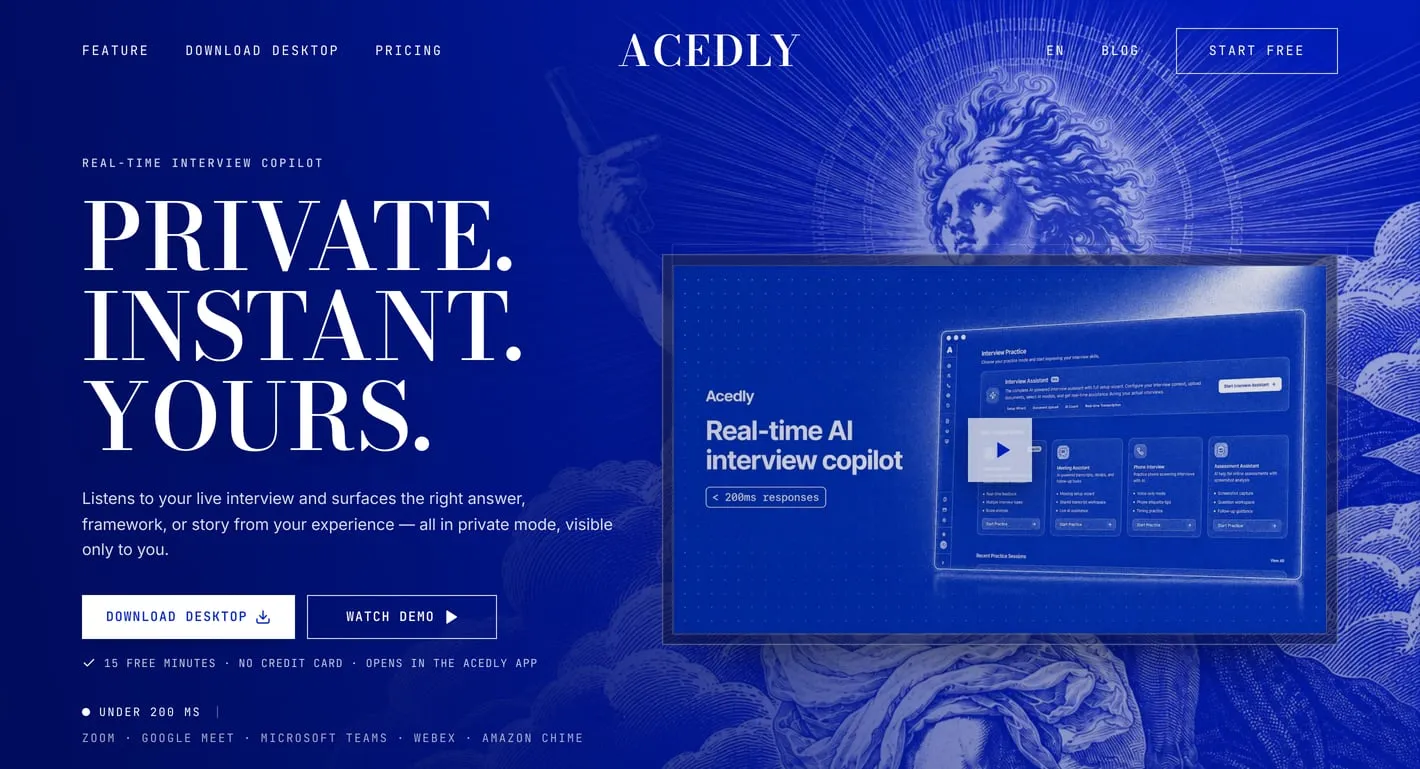
$69 / month
 Hidini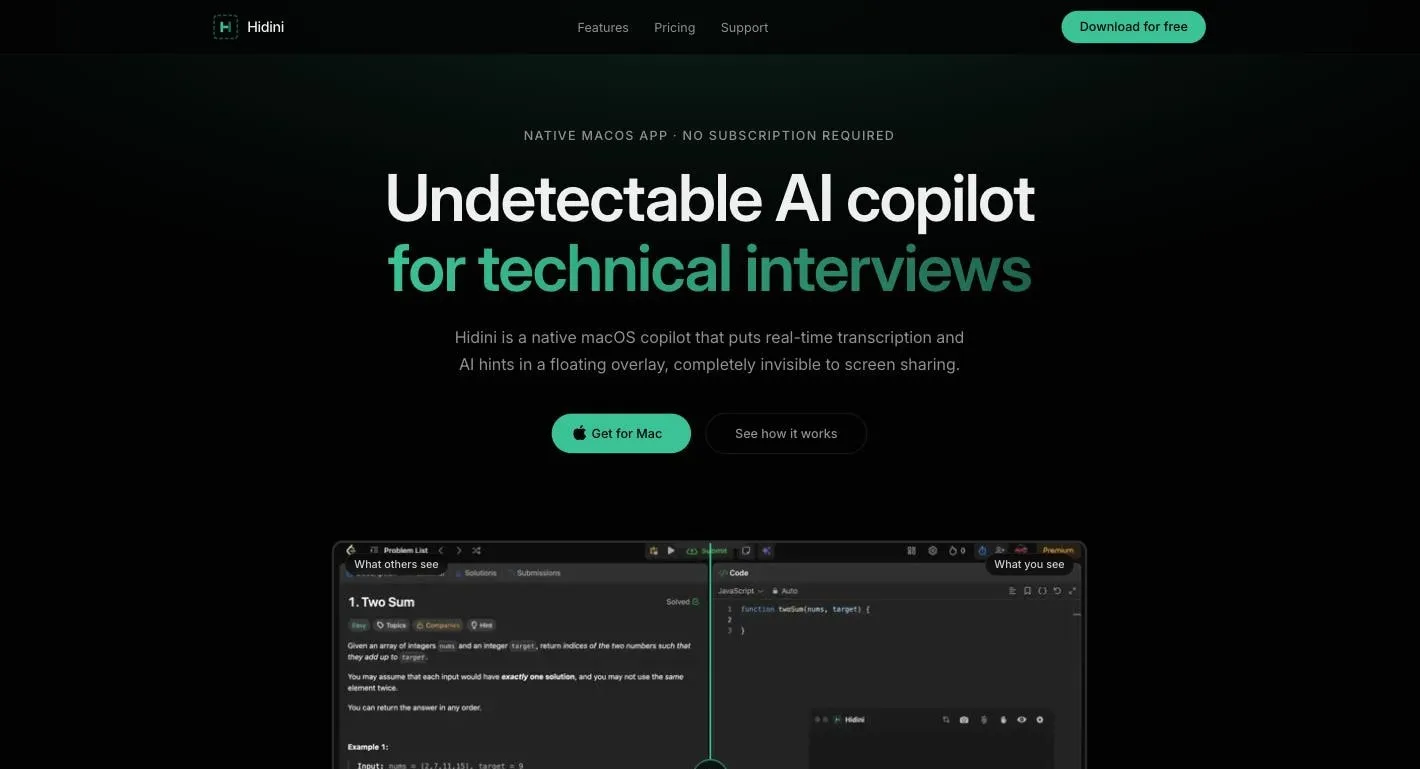
$79.99 once
The comparison, at a glance
| Feature | Hidini |  Acedly Acedly |
|---|---|---|
| Pro price | ✓ $79.99, one time | ✕ $69 per month, list $99 |
| Lifetime option | ✓ $79.99 (Pro is already lifetime) | ! $988 one time, list $1,488 |
| Free tier | ✓ 50 AI credits, 10-minute sessions | ! 15 minutes total, 45 per session |
| Session length on paid | ✓ Unlimited | ! 3 hours, 5 on Lifetime |
| Credits on the paid plan | ! 500 included, $10 per 1,000 more | ✓ Unlimited |
| Choice of AI model | ✓ Claude, GPT, Gemini | ✓ GPT, Claude, Gemini, DeepSeek |
| Your own API keys | ✓ Claude, GPT, Gemini | ✕ Not on their site |
| Local AI, offline, $0 | ✓ LM Studio, Ollama, Jan | ✕ Not on their site |
| Hidden from screen capture | ✓ OS-level capture exclusion | ✓ Same mechanism, see below |
| Hears the interviewer | ✓ Choice of 4 transcription engines | ✓ System audio, 30+ languages |
| Live translation | ✕ No | ✓ 30+ languages |
| Screen problem analysis | ✓ Yes | ✓ Yes |
| Answers grounded in your resume | ✓ CV and job posting import | ✓ Resume and job description upload |
| Mock interviews with AI avatars | ✕ No | ✓ Yes |
| Meeting notes and summaries | ✕ No | ✓ Yes |
| Invisible sticky notes | ✓ Yes | ✕ No |
| Windows version | ✕ macOS only | ✓ macOS and Windows 10+ |
| Oldest macOS supported | ! macOS 14 Sonoma | ✓ macOS 12 |
| Mac installer size | ✓ 5.0 MB | ✕ 172 MB, Apple Silicon build |
| Idle CPU | ✓ 0% | ! Not published |
Everything above about Acedly comes from its own site, https://acedly.ai, checked in July 2026. "Not on their site" means we looked through their pricing, features, privacy section, and FAQ and found no mention of it, which is not the same as knowing the app cannot do it. Their Pro and Lifetime prices are both marked as limited-time offers against higher list prices, so confirm the current numbers yourself. The screenshots at the top of this page are that homepage next to hidini.com.
Count the rows and Acedly wins more of them than we do. That is because it is a wider product: a live interview overlay plus mock interviews, a meeting assistant, translation, and a resume audit, sold together. Hidini does the first of those and nothing else. The question worth answering is whether you want the bundle or the one tool, and what each one costs you a year from now.
What the money actually looks like
The honest part first: for one month, Acedly costs less. Their Pro plan is $69 against our $79.99, so a search that ends in four weeks is cheaper with them. That $69 is a discount off a $99 list price, and the $988 Lifetime plan is a discount off $1,488, both labelled limited-time. Plan around the list prices if you expect to still be using it next year.
| Hidini Pro | Acedly monthly | Acedly lifetime | |
|---|---|---|---|
| Month 1 | $79.99 | $69 | $988 |
| Month 2 | $0 | $69 | $0 |
| Month 3 | $0 | $69 | $0 |
| Every month after | $0 | $69 | $0 |
| Total after 6 months | $79.99 | $414 | $988 |
Six months of Pro is $414. Their Lifetime plan at $988 is more than twelve times what Hidini Pro costs, and that is the discounted figure. One thing they do better than us on the money: Acedly offers a 7-day refund if the plan is unused, and cancelling is self-service from billing management. We review refund requests case by case within 14 days, which is a weaker promise. Use both free tiers before you pay either of us.
On invisibility, this one is a tie
This is where a comparison page written by a competitor would normally invent a difference, so here is the plain version: there isn't one. Both apps exclude their overlay from screen capture at the operating-system level, and on macOS both do it with the same API.
Acedly's homepage calls it private mode and talks about guidance staying separate from what you share, which reads softer than most marketing in this category. Their own comparison pages name the mechanism outright: NSWindowSharingNone on macOS and SetWindowDisplayAffinity with WDA_EXCLUDEFROMCAPTURE on Windows. That is the same capture-exclusion route Hidini takes on macOS. Zoom, Google Meet, Microsoft Teams, Discord, and OBS record a clean desktop with either app, whether you share one window or the whole display.
So invisibility should not be your deciding factor between these two. Price, platform, breadth, and whether you want to run the AI on your own key are the rows that actually differ. Test the invisibility anyway, on the platform you will really interview on and after any update to either app: share your screen to a second device and look at what lands.
Worth naming while we are here: Acedly does not print "100% undetectable" on its homepage, it keeps its testimonials anonymous, and it promises never to publish user data. In this category that restraint is rare, and the anonymity point is one where they are ahead of us.
What neither app does is hide from the room. Your physical display shows everything. A second camera pointed at your screen, or a person behind you, sees exactly what you see. That is true for Hidini, for Acedly, and for every product in this category, whatever the homepage says. We keep a plainly worded limitations list on our site for exactly this reason.
Credits, session caps, and the key you already own
Acedly includes unlimited credits on both paid plans, and we do not. Hidini Pro includes 500, and another 1,000 costs $10 in the app. Straight comparison, straight loss for us.
Their unlimited comes with a clock, though. Sessions cap at 45 minutes on the free tier, 3 hours on Pro, and 5 hours on Lifetime. Hidini Pro does not cap session length at all. For a normal interview neither limit is going to bite, so treat this as a wash unless you plan to leave it running through a full day of onsites.
Where the credit question actually goes away is your own API key. Hidini lets you plug in Claude, GPT, or Gemini directly, and the app then spends nothing from your balance. A full interview session at raw API rates usually costs cents. You can also run local models through LM Studio, Ollama, or Jan, which costs nothing per request and keeps working with no internet. Acedly routes between GPT, Claude, Gemini, and DeepSeek and lets you pick the model per session, which is genuinely more choice than we offer, but they are their keys, on their plan. We found nothing on their site about bringing your own.
Where Acedly wins
It runs on Windows 10 or later, and on macOS 12, two versions older than we support. Hidini needs macOS 14 Sonoma. If your interview machine runs Windows, or a Mac you have not updated in a while, that decides it before anything else on this page.
It is also a much broader product. Mock interviews with AI video avatars, a meeting assistant that transcribes and summarises calls, live translation across more than 30 languages, and a resume and ATS audit are all in the same subscription. Hidini does none of that. If you want one tool for the whole job search rather than one tool for the live call, buy theirs.
Their refund terms are better than ours, their free tier lets you run a 45-minute session against our 10-minute one, and their multi-language transcription and translation are ahead of anything we ship.
What Hidini has that Acedly does not
A price that stops. $79.99 once, no renewal, no list price waiting behind a limited-time banner. Your own API key or a local model, so the AI can cost you nothing on top and never leave your Mac. No cap on how long a session runs.
Invisible sticky notes are the small one people tell us they did not expect to love. You write your prep before the call, your STAR stories, your complexity cheat sheet, and it floats over every app while staying out of the shared screen.
Hidini is also a genuinely small program, written entirely in Swift with zero third-party packages. No Electron, no embedded browser. The download is 5.0 MB and idle CPU sits at 0%. Acedly's Apple Silicon build is 172 MB, roughly 36 times ours for the overlay half of the job, though it is fair to note their app carries a good deal more than the overlay. During an interview your machine is already running a video call, screen sharing, and an IDE, and we think the weight of your helper app matters right then.
How we measured: the byte size of the macOS installer each site links from its own download page, read from the HTTP response and checked in July 2026. Acedly was Acedly-mac-arm64.dmg at 180,132,683 bytes; their Intel build is 187,629,685. Hidini was Hidini.dmg at 4,964,575 bytes on our public releases page. Neither company publishes idle CPU except us.
So is Hidini a good Acedly alternative?
It is a good replacement for one part of Acedly, not for all of it. If what you want is the live overlay during a real interview, on a Mac, without a subscription, then yes: Hidini costs $79.99 once instead of $69 a month or $988 forever, hides from screen capture just as they do, and lets you run the AI on your own key or entirely offline.
If you want mock interviews, meeting summaries, or live translation, we do not sell those and pretending otherwise would waste your money. If you interview on Windows or an older Mac, we are not an option at all. And if your search is over in a month, their discounted Pro is cheaper than our one-time price.
Both are free to try, so test rather than take anyone's word, ours included. Install one, call a friend, share your entire screen, and ask what they see. Then run a practice question with the overlay open. Hidini's free tier gives you 50 credits and 10-minute sessions with no card; Acedly's gives you 15 minutes total with no card. That is enough on both sides to answer the only question that matters, which is how each one behaves on your machine.
Questions people ask
- What is the best Acedly alternative for Mac?
- It depends on which half of Acedly you actually use. If you want the live interview overlay on its own, Hidini does that job on macOS for $79.99 once instead of $69 a month, hides from screen capture by the same operating-system mechanism they use, and accepts your own Claude, GPT, or Gemini key so the AI can cost nothing on top. If you also use Acedly for mock interviews, meeting summaries, or live translation, Hidini replaces none of that.
- How much does Acedly cost?
- Acedly lists Pro at $69 per month, marked down from $99, and Lifetime at $988 one time, marked down from $1,488. Both are labelled limited-time offers, so the list prices are what you should expect to plan around. The free tier gives you 15 minutes total with 45-minute sessions and no card. Hidini Pro is $79.99 paid once.
- Is Acedly cheaper than Hidini?
- For a single month at the discounted rate, yes: $69 against $79.99. From month two onward Hidini is cheaper, because there is no month two to pay for. Six months is $414 against $79.99, and their Lifetime plan is $988, more than twelve times Hidini Pro.
- Does Acedly hide from screen sharing?
- Yes, and by the same route Hidini uses. Their homepage calls it private mode, but their own comparison pages name the mechanism: NSWindowSharingNone on macOS and SetWindowDisplayAffinity with WDA_EXCLUDEFROMCAPTURE on Windows, which is operating-system level capture exclusion. Zoom, Google Meet, Microsoft Teams, Discord, and OBS record a clean desktop with either app. Invisibility is a tie here, so choose on price, platform, and features instead. Neither hides anything from someone looking at your actual screen.
- Does Hidini do mock interviews or meeting notes?
- No. Hidini is the live overlay and nothing else: transcription, AI hints, screen analysis, and invisible notes during a real call. Acedly also sells mock interviews with AI video avatars, meeting transcription and summaries, live translation across 30+ languages, and a resume and ATS audit. If you want those in one subscription, that is a real reason to pick them.
- Does Hidini work on Windows?
- No. Hidini is macOS 14 Sonoma or later, on Apple Silicon and Intel. Acedly runs on macOS 12 or later and Windows 10 or later, so it covers both older Macs and Windows machines that Hidini does not.
Download Hidini for macOS
Free to try, no subscription required. Install in seconds and start your first session.
macOS 14 Sonoma or later · Apple Silicon and Intel