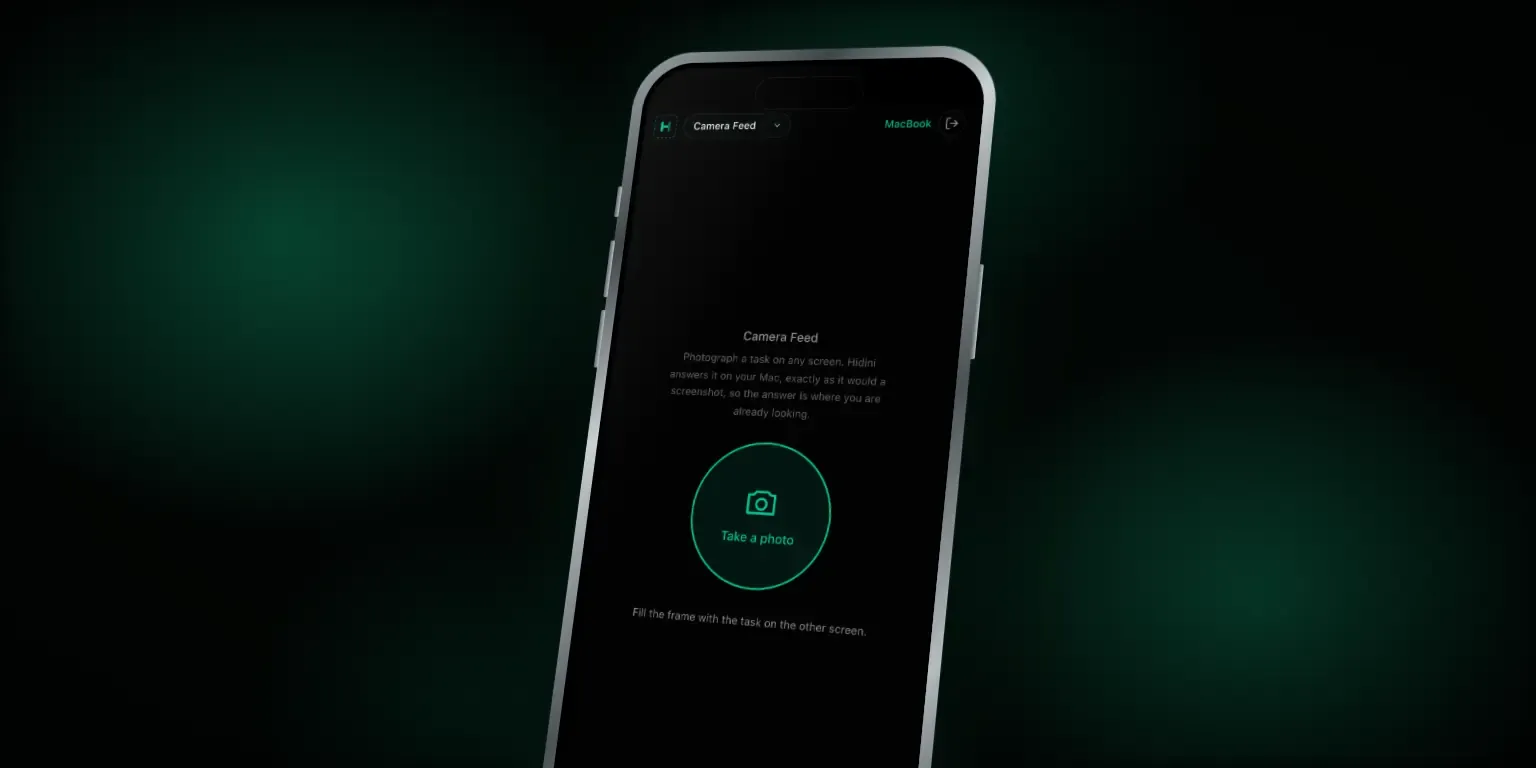
Camera Feed: Answer a Task From Any Screen
The dropdown at the top of your paired phone now has a third option. Next to Mirror and Remote control sits Camera Feed: photograph a task on any screen, and Hidini answers it on your Mac.
How It Works
Pick Camera Feed, tap Take a photo, and your phone’s own camera opens. Frame the question and shoot. The photo travels from the phone to your Mac over your Wi-Fi, and Hidini treats it exactly like a screenshot of its own screen: it reads the task and the answer appears in the overlay, where you are already looking.
Photos are not screenshots, so Hidini handles them a little differently. It keeps more of the detail, turns the image the right way up, and tells the AI it is looking at a photo of a screen, so glare and a tilted angle do not throw it off.
Why It Matters
Until now, Hidini could only answer what was on the Mac it runs on. Plenty of tasks arrive somewhere else: an exam on a locked-down machine, a call on a work laptop, a question on a colleague’s monitor. With Camera Feed, the task can be on one screen and Hidini on another. Point the phone, take the shot, read the answer.
Also in This Update
- Formatted answers. AI answers now show headings, bold and italic text, lists, quotes, tables, links and inline code properly, instead of raw asterisks, hashes and pipes. Ask for an example of markdown and you see it rendered, too.
- Faster Apple transcription on macOS 26. For the 30 languages covered by Apple’s newer speech model, transcription now runs as one continuous session. Text appears about a second behind speech, with no one-minute cutoff. Settings shows which engine your language uses.
- A refreshed model list. If you use your own API key, the model picker for Claude, OpenAI and Gemini now lists their current models, and retired ones are gone. If you had a retired model selected, Hidini switches you to the provider’s default.
Setting up the phone link is covered on the phone remote control page.
Get It
Hidini updates itself, so version 1.17 will offer itself the next time you launch. If you do not have Hidini yet, the download is here.